

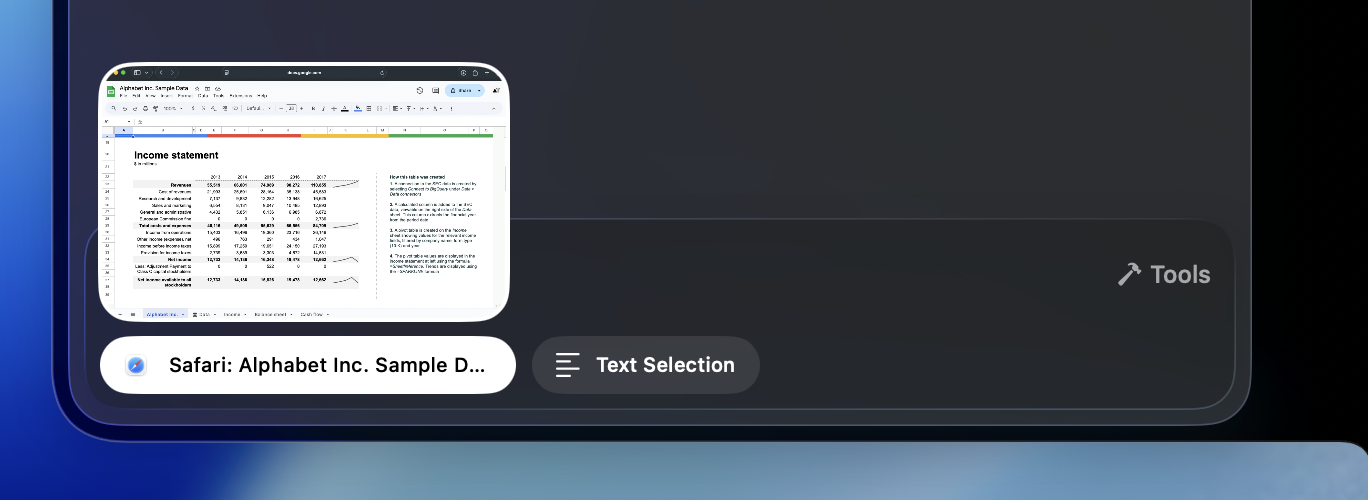
Selective Context ensures AI Thing sees only what you intentionally share — nothing more.
There is no continuous capture, no background monitoring, and no automatic access to your apps.
There is no continuous capture, no background monitoring, and no automatic access to your apps.
1. Use Context From Any Application
With a single click, AI Thing instantly captures the relevant context from whatever app you’re using. Whether it’s text you’re highlighting, the window you’re viewing, or content you’re working on.2. Use “Selected Text” From Any Application
AI Thing can also take context from text you’ve selected anywhere on your system:- In a browser
- In a PDF
- In a code editor
- In email
- In Slack
- In any native macOS app
- Or anywhere…
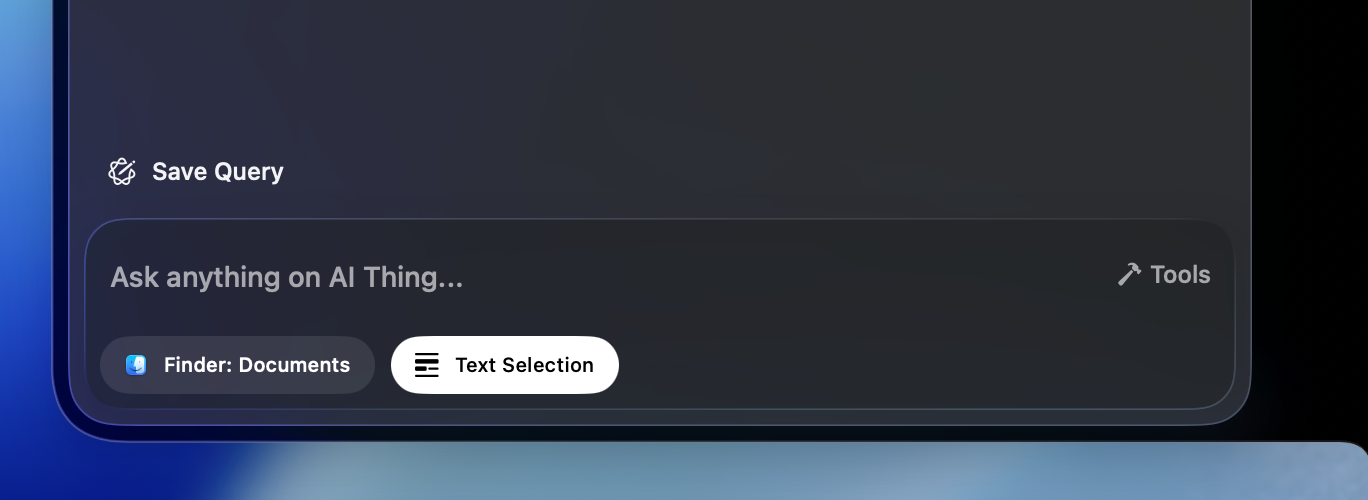
3. Use Mac’s Native Screenshot Shortcuts
You capture your screen the same way you normally would on macOS:- Shift + Command + 3 → Full screen
- Shift + Command + 4 → Select an area
- Shift + Command + 4, then Space → Capture a single window
Built for Privacy
AI Thing assumes everything on your screen is sensitive, so it only uses context you explicitly provide:- No continuous capture
- No background listening
- No automatic access to windows
- No syncing to servers
- No storage of screenshots or selected text
Have questions? Email us at help@aithing.dev.